 ZH-TW
ZH-TW


小地圖標記 & 羅盤
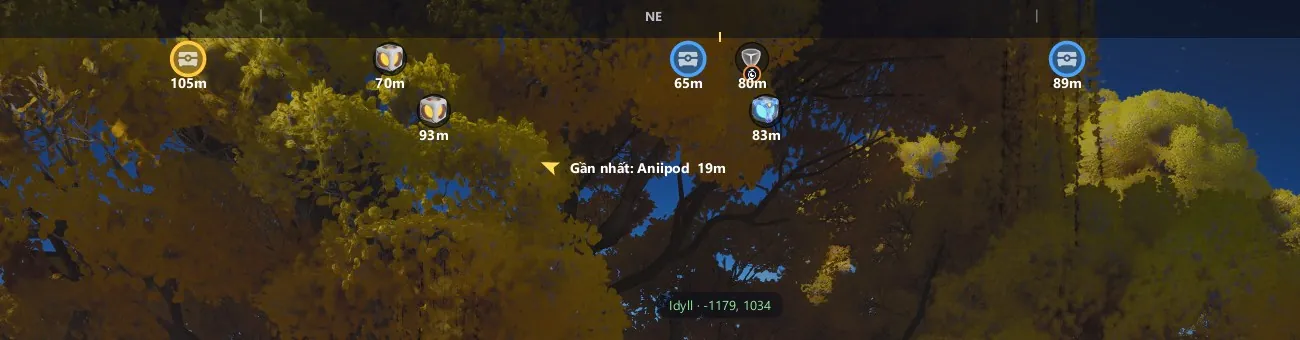
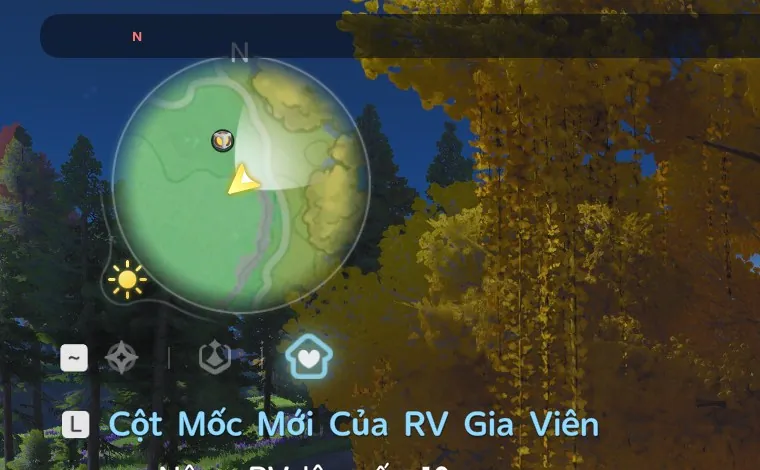
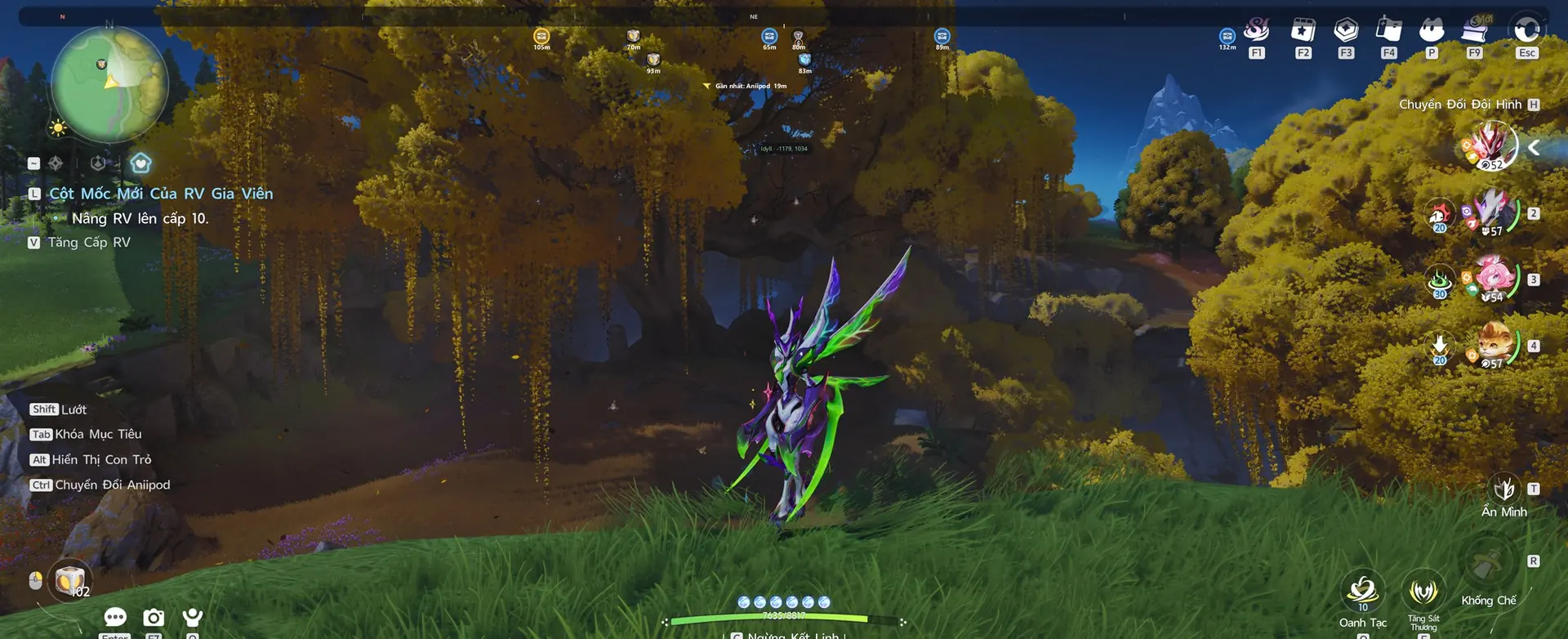
Markers drawn exactly on your minimap, plus a compass, distances and the nearest point. A real in-game capture.

免費 Aniimo Tools: 小地圖物資標記、羅盤導航、最短採集路線與完整進度地圖。
 新功能: 偷蛋模式 (Egg Heist) BETA遺落聖所,全難度支援 · 觀看示範→
Hunting Aniipods: markers on the minimap and compass bar, F5 for a route, F11 to mark as collected.
Step into the Lost Sanctum and walk a little: the tool recognises the layout from the minimap, the compass points at egg nests and a floating map draws the route along the corridors. Turn it on in the app's Egg Heist tab.
Markers drawn exactly on your minimap, plus a compass, distances and the nearest point. A real in-game capture.
 Illustration
Pins follow the in-game map as you drag and zoom.
Illustration
One key builds a short path through up to 25 nearby points and advances as you collect.
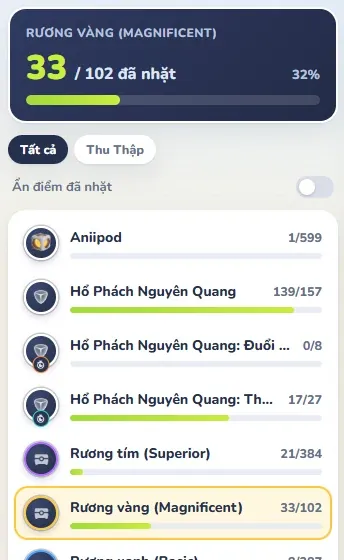
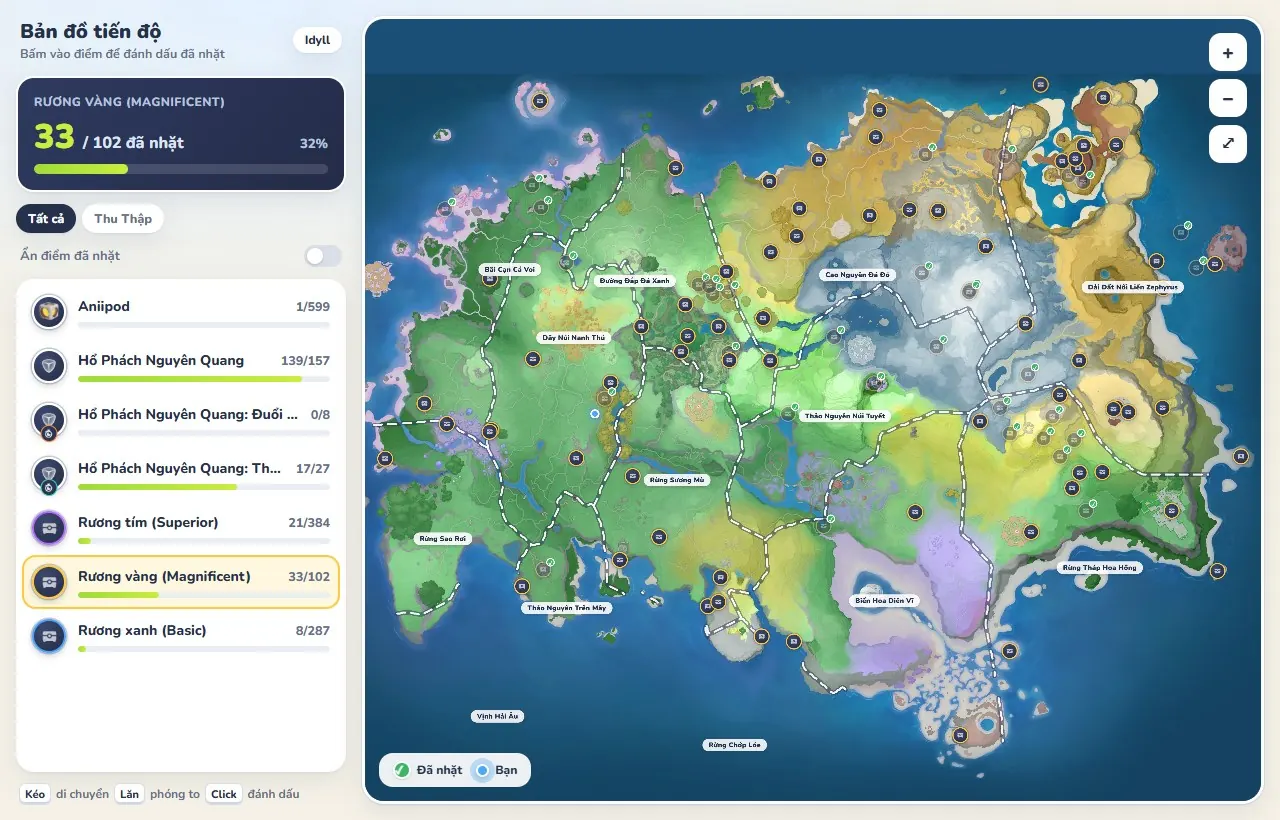
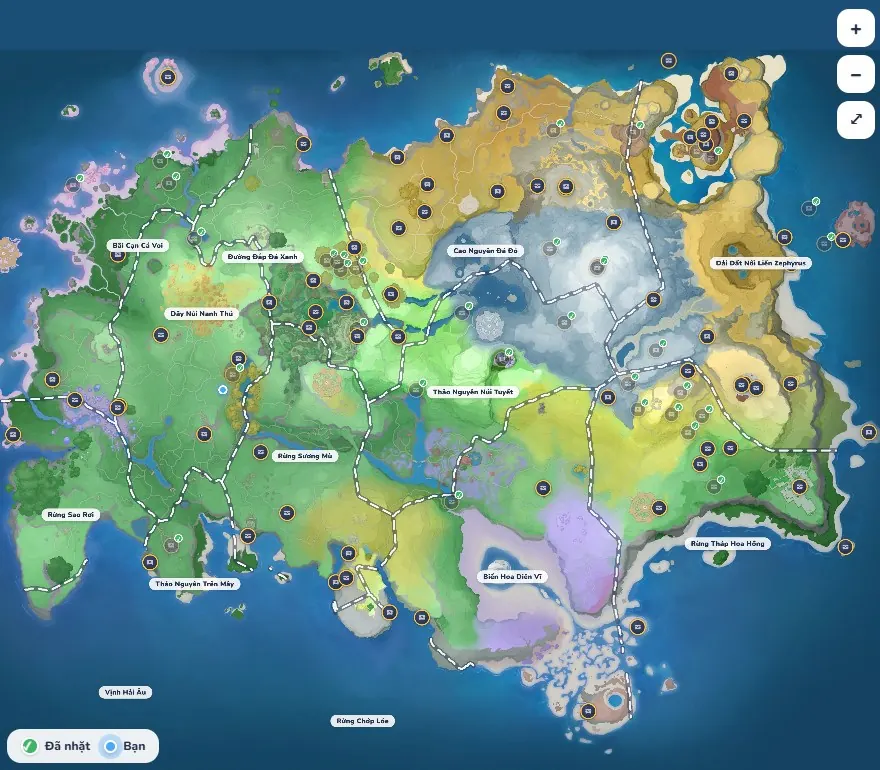
See progress per type and region, with region outlines and hover highlight.
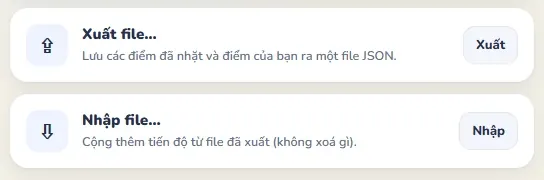
Export/import JSON, daily automatic backups, the last 14 kept. Nothing ever deletes progress.
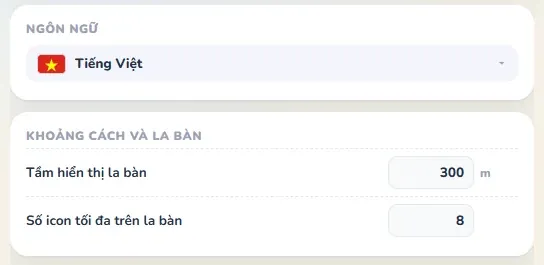
Resource and region names ship with Vietnamese translations.
No installer — just run Aniimo Collector.exe.
Use Borderless or Windowed. Exclusive fullscreen can't show an overlay.
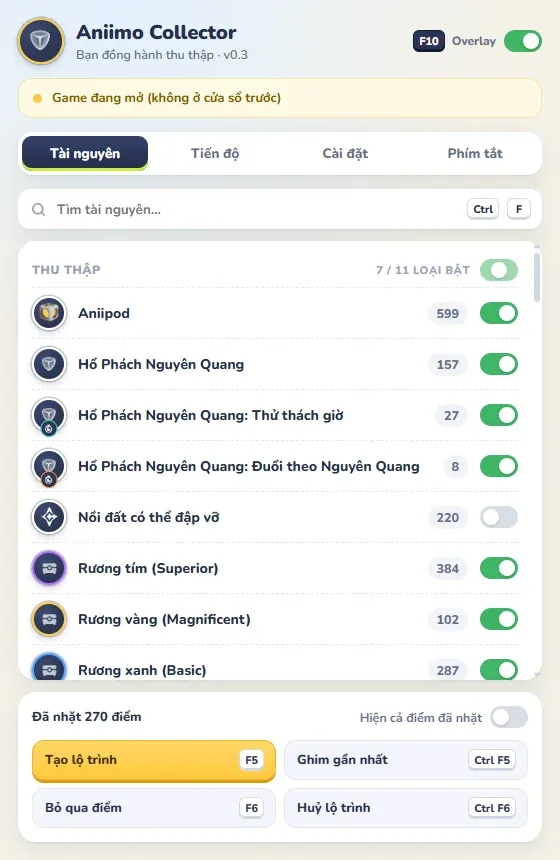
Toggle the types you want in the panel; press F10 to show or hide the overlay.
Egg Heist is available as a beta since version 0.3.5. What comes next depends on your feedback through the Feedback button.
Open-world eggs show on the minimap and compass, can be toggled on their own, with F5 routes and mark-as-collected.
An overlay that works alongside Egg Heist in the Lost Sanctum, still screen capture only and never reading game memory.
Pick a Lost Sanctum difficulty and see information that matches it.
Dedicated Egg Heist guide pages, finalised once tested thoroughly in game.
Remember which difficulties you have cleared, if a safe way to do it is confirmed.
The tool is free. If it helps you, buy me a coffee! Ko-fi takes cards and PayPal; MoMo is for Vietnam.
QR image missing (public/MomoQR.jpg).
Scan with MoMo or your banking app. Thank you! 💛See where resources are, and how many, by region and by type on the Idyll map.
Aniimo Collector is a free toolkit for the game Aniimo on Windows: an overlay that shows chests, Lumin Amber, Aniipods and materials on your minimap, with a compass, collecting routes and a progress map. Unlike a lookup website, it runs alongside the game and only captures the screen.
Yes. It is free, has no ads and needs no account. If it helps you can buy the author a coffee, which is entirely optional.
Turn both on in the Resources tab: the points show on your minimap and compass, and F5 builds a route. See the counts per region on the Lumin Amber and Gold chest pages in the Resources section.
The tool does not modify any game file, read memory or inject anything. It only draws an overlay on top of the screen you are playing on. Still, any third-party tool is used at your own risk.
Make sure the game is Borderless/Windowed and its window is focused.
Only Idyll is supported for now.